
Open the drawing. Measure it. Mark it up.
Tesseract CAD Tools is a DWG and DXF app from Tesseract Studio, an architecture practice in Hyderabad. Open a plan on site, keep up to five drawings open in tabs, take dimensions and areas, draw, fix layers and send a PDF back. No sign-up, no payment.

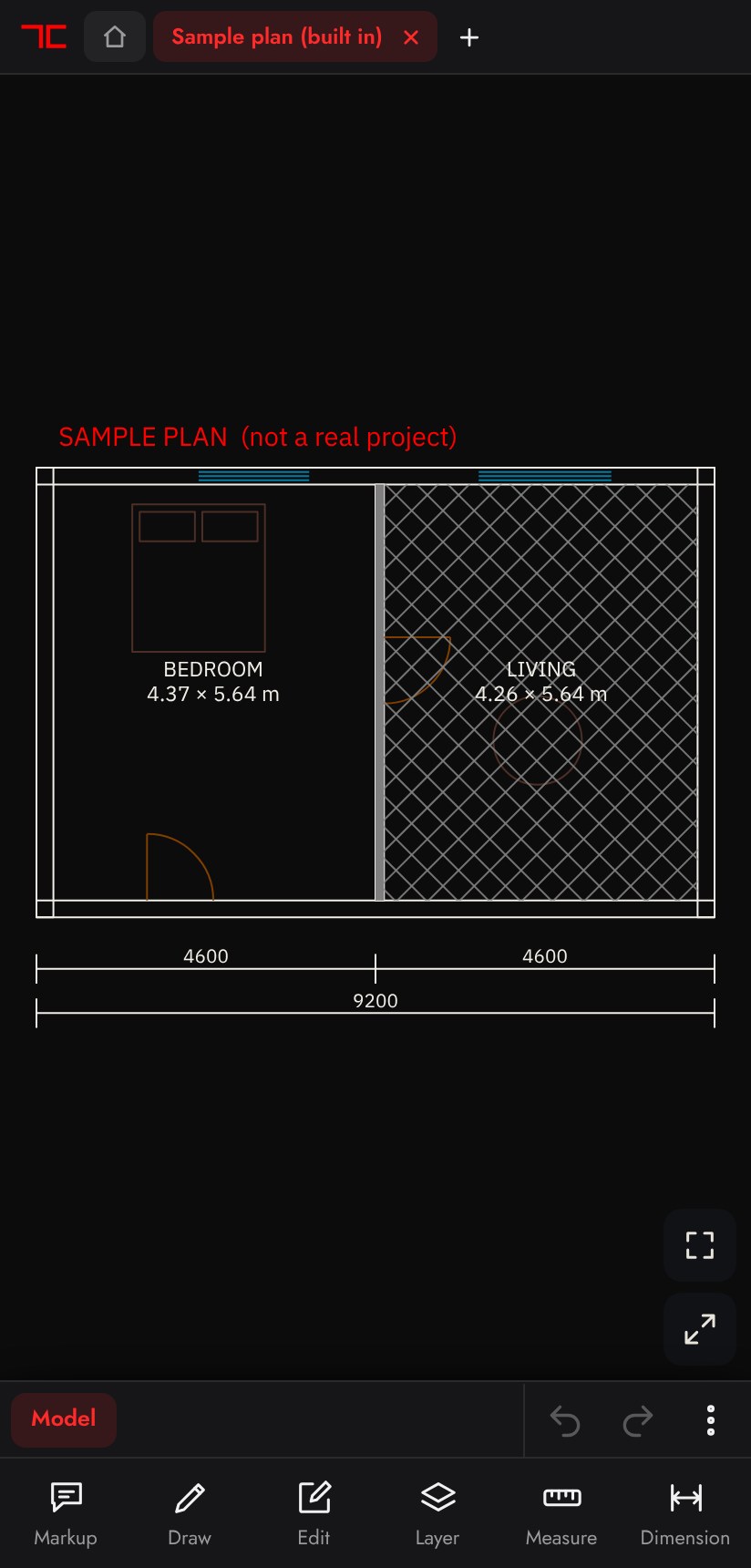
Everything you reach for on a plan, one tap from the bar.
Pick a group to see it in the app.
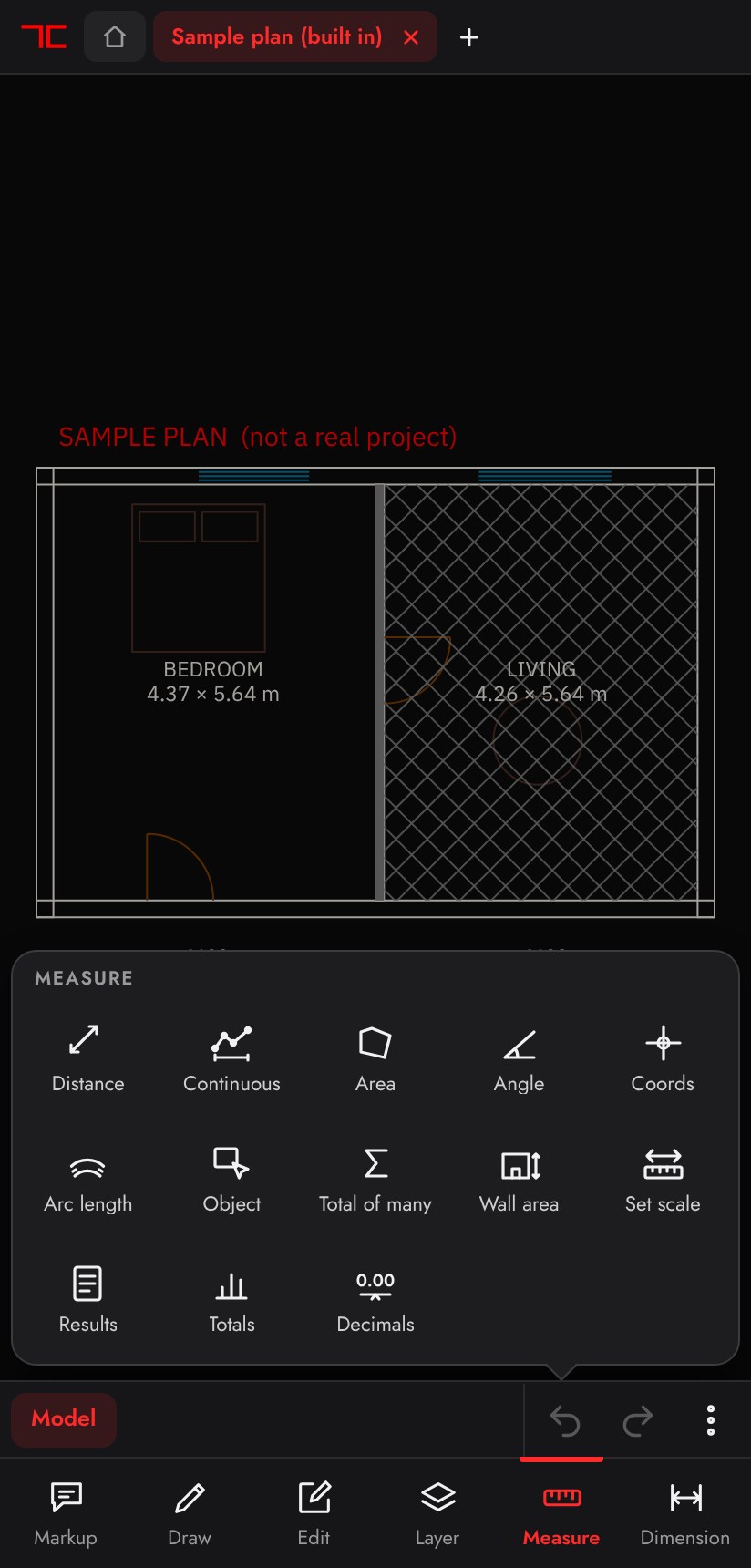
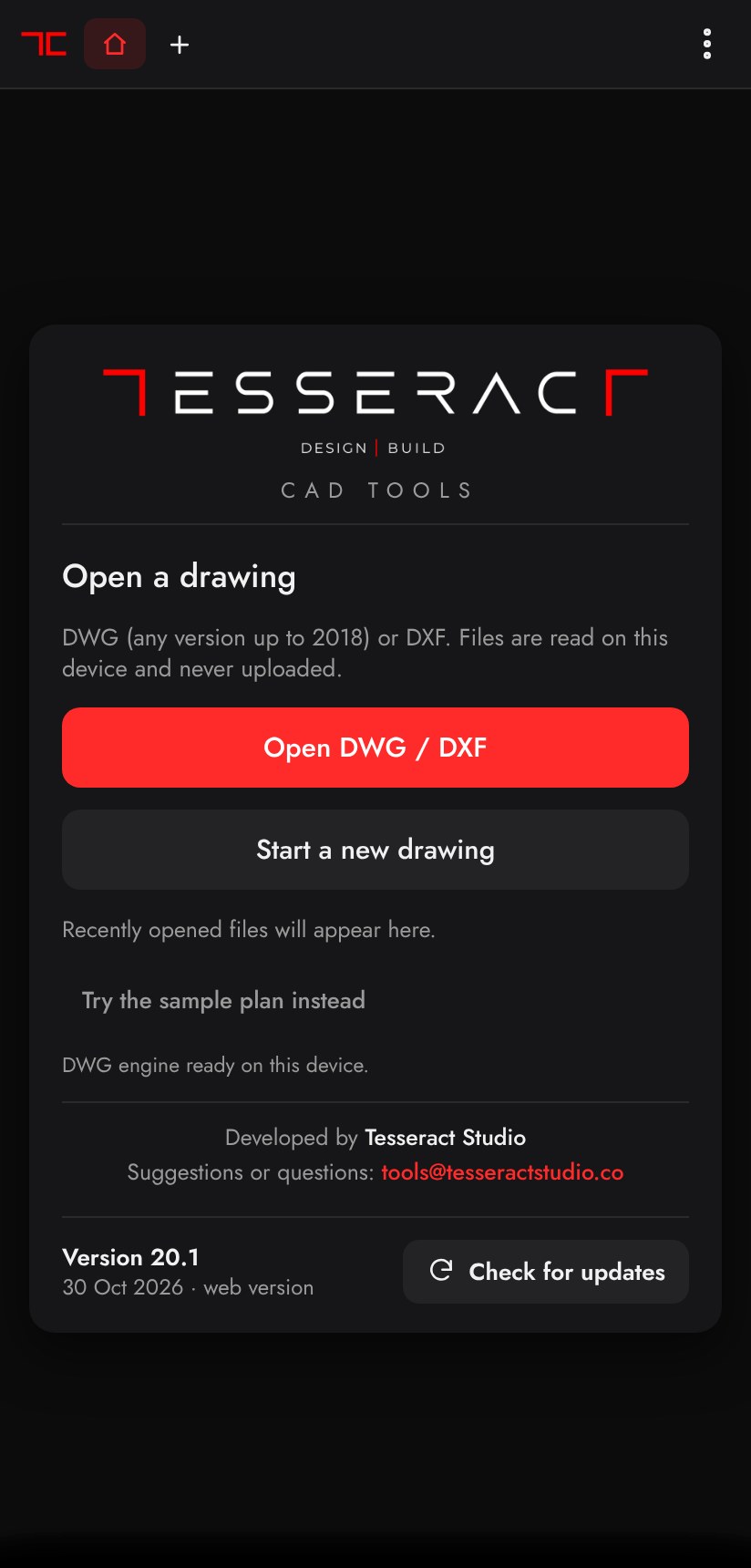
The home screen, with the sample plan one tap away.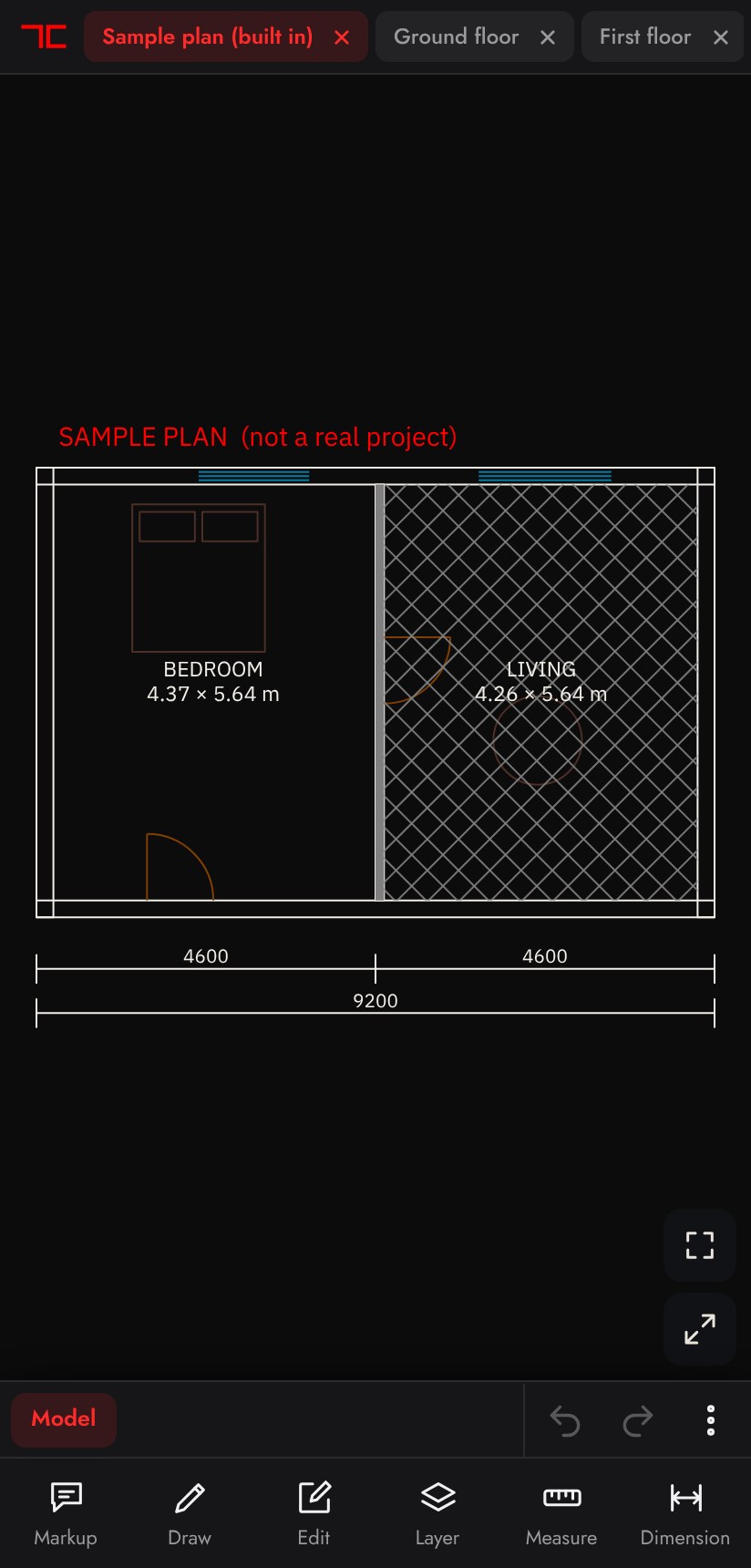 Three drawings open as tabs, with Home and a new drawing a tap away.The Measure tools. Results can be saved as CSV.
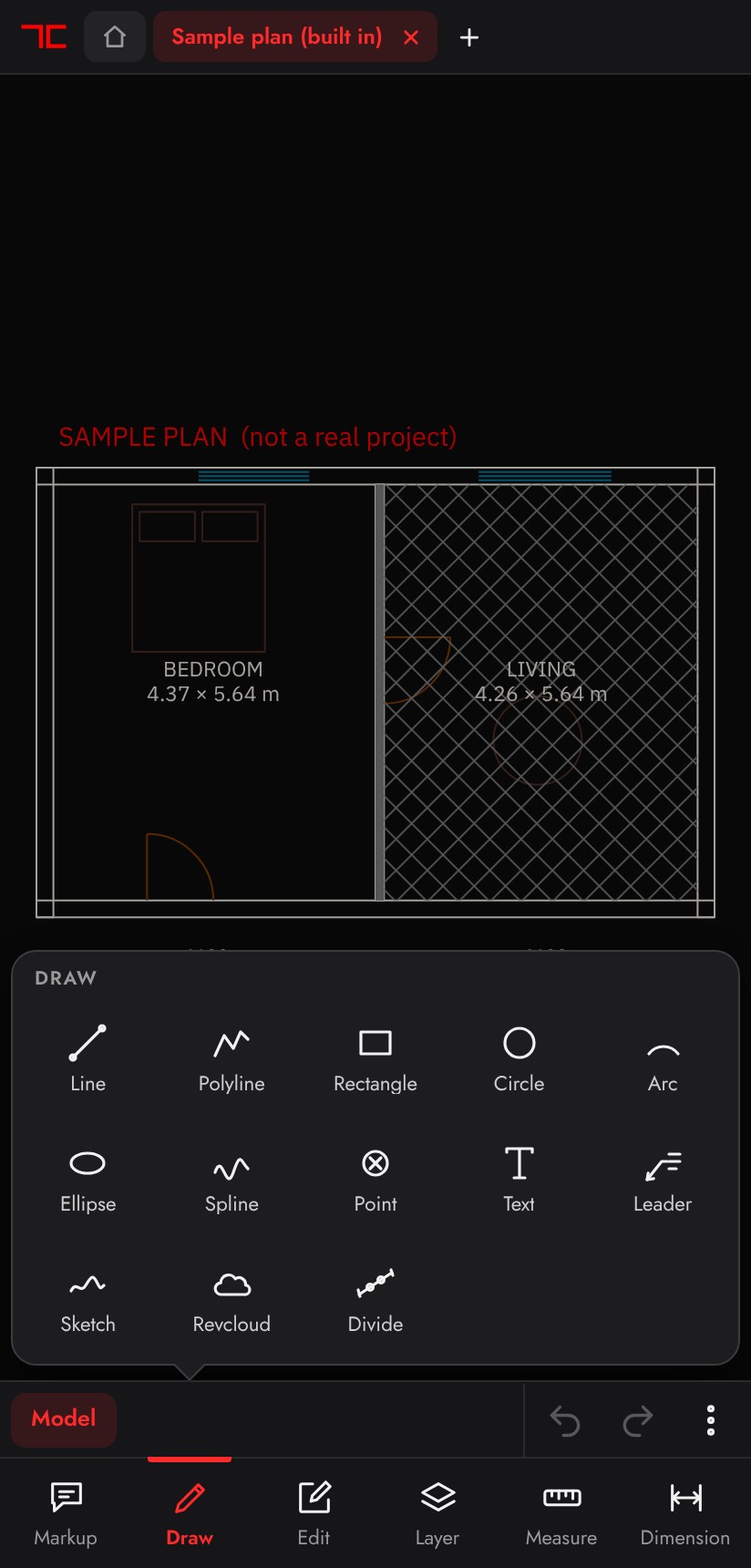 The Draw grid, every tool snapping to the drawing.
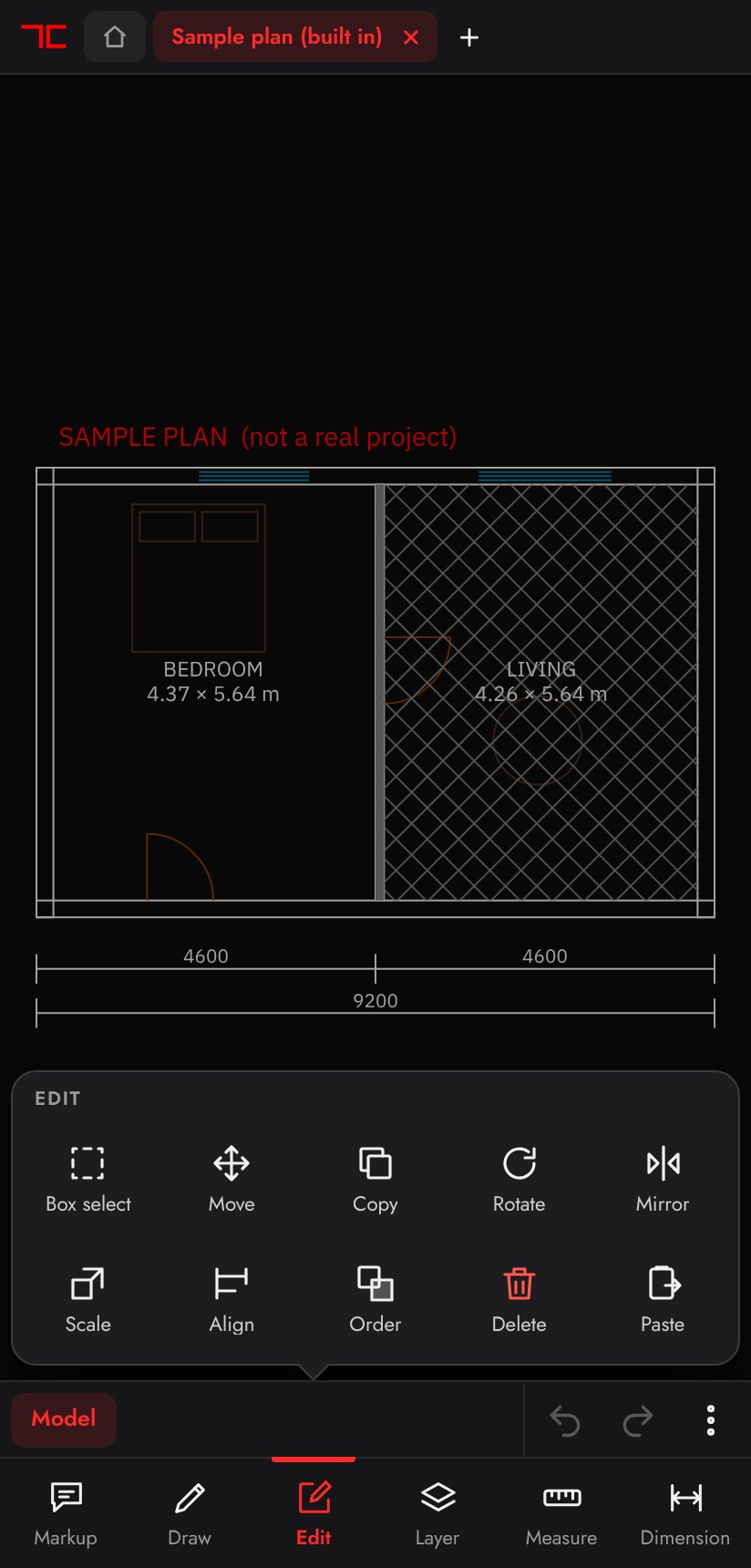 Editing tools.
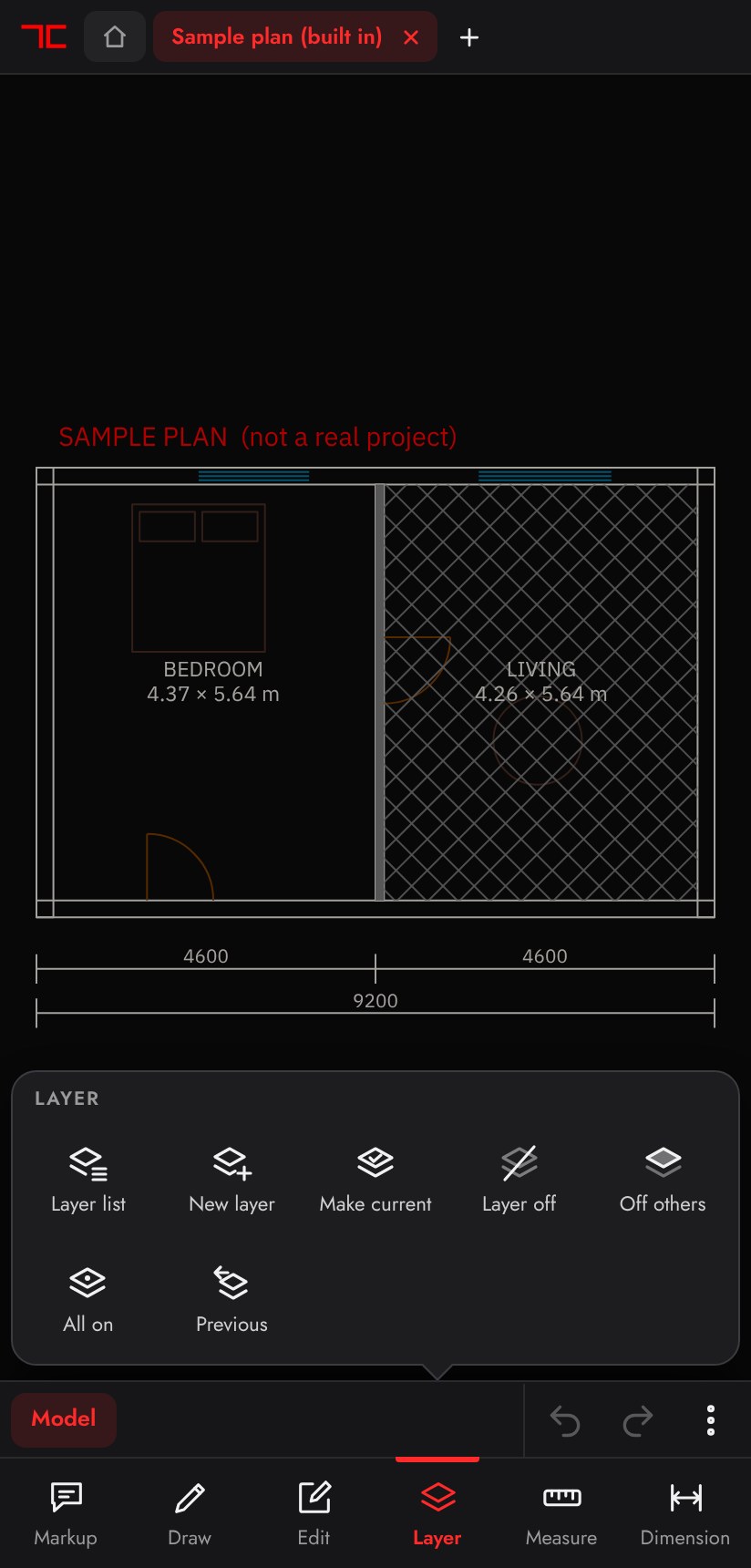 Layer tools in the bottom bar.
Built from drawings we actually get.
Survey files at map coordinates, big foundation sets, drawings sent over WhatsApp. These broke other viewers, so we fixed them first.
Up to five tabs
Keep five drawings open at once, each in its own tab. Switch in a tap, or copy from one and paste into another.
Snaps and tracking
Endpoint, midpoint, intersection, perpendicular, polar and object tracking, with a magnifier above your finger.
Layouts and viewports
Model and every layout as tabs. Measure and snap through viewports at model size.
Survey drawings
Plot boundaries and map (UTM) coordinates draw correctly, with real coordinates shown.
PDF, DXF and PNG out
A4 to A0 PDFs at 1:1 or your scale, in colour, grey or black. Lineweights kept.
Red markup layer
Pen, arrow, cloud, note, leader and number tags on their own layer, kept in the file you share.
Copy between drawings
Copy to clipboard, paste with unit scaling, even from one drawing to another.
Wall area
Trace a wall run, type the height, take off the openings, and get the area.
Private
Files are read on the phone and never uploaded. The app works offline.
A drawing arrives, a PDF leaves.
Share to the app
Send the DWG from WhatsApp or Files and choose Tesseract CAD.
Look and measure
Pan, zoom, switch layouts, snap and take dimensions.
Mark up or edit
Draw in red on its own layer, or move, copy and fix.
Send it back
Share a PDF to scale, or a DXF with your edits.
Pick the one that fits your phone.
Android app
Download 20.1 · 2.5 MB- Download the file and open it from your notifications or Files.
- If Android asks, allow installs from this source. It is a one-time switch.
- Tap Install, then Open. Share DWG files to it from WhatsApp.
- Later, tap Check for updates in the app. It asks before going online.
It is not from the Play Store, so Android shows a short warning. The file is signed by Tesseract Studio.
Web app
Open the web app- Open the link in Chrome (Android) or Safari (iPhone).
- Chrome: menu, Install app. Safari: Share, Add to Home Screen.
- It then opens like an app and works offline.
- Opens
- DWG up to 2018, DXF
- Saves
- DXF, PDF, PNG
- Privacy
- Files stay on the phone
Tell us what got in your way.
Send the drawing that did not open right, or the tool you wish it had.
tools@tesseractstudio.co